


Product Features
- Full-auto Calibration
- Multi-Color Printing (Combo Version)
- Active Flow Rate Compensation
- 1-Clip Quick Swap Nozzle
- Active Motor Noise Cancelling
- 256*256*256 mm³ Build Volume
Product Details
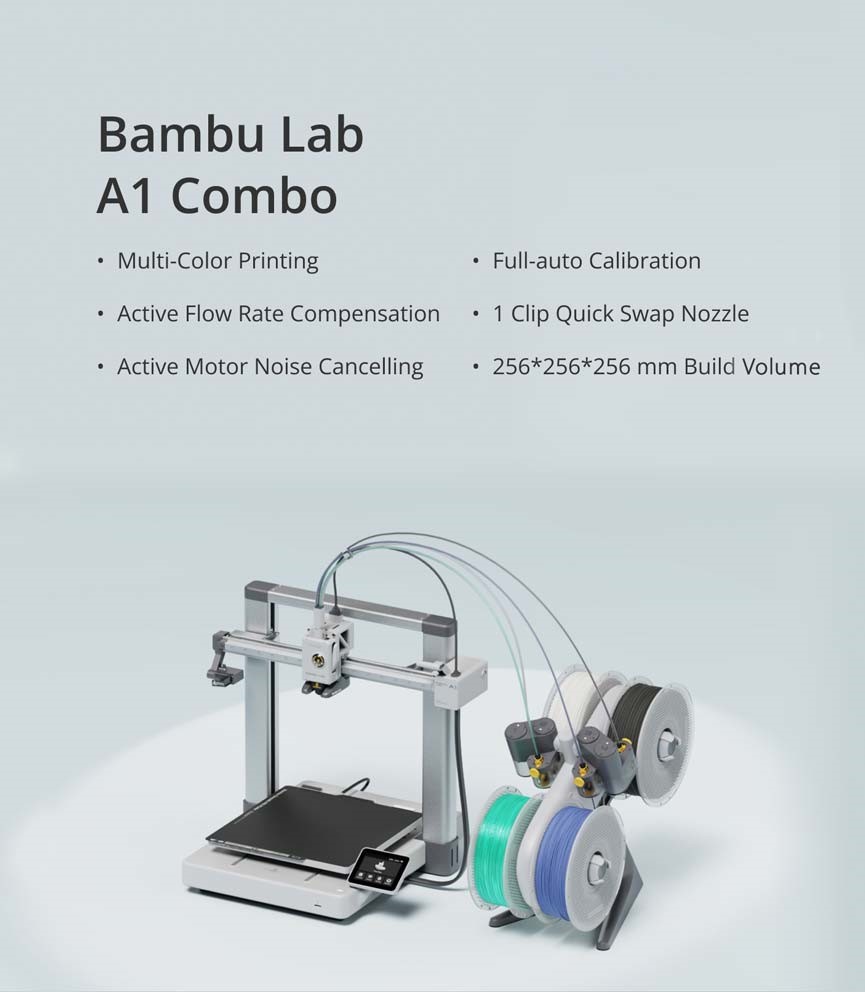
Product Features
- Full-auto Calibration
- Multi-Color Printing (OPTIONAL – with A1 COMBO)
- Active Flow Rate Compensation
- 1-Clip Quick Swap Nozzle
- Active Motor Noise Cancelling
- 256*256*256 mm³ Build Volume
Bambu Lab A1 Tech Specs – CN Version

Bambu Lab A1

Spool Holder

Purge Wiper
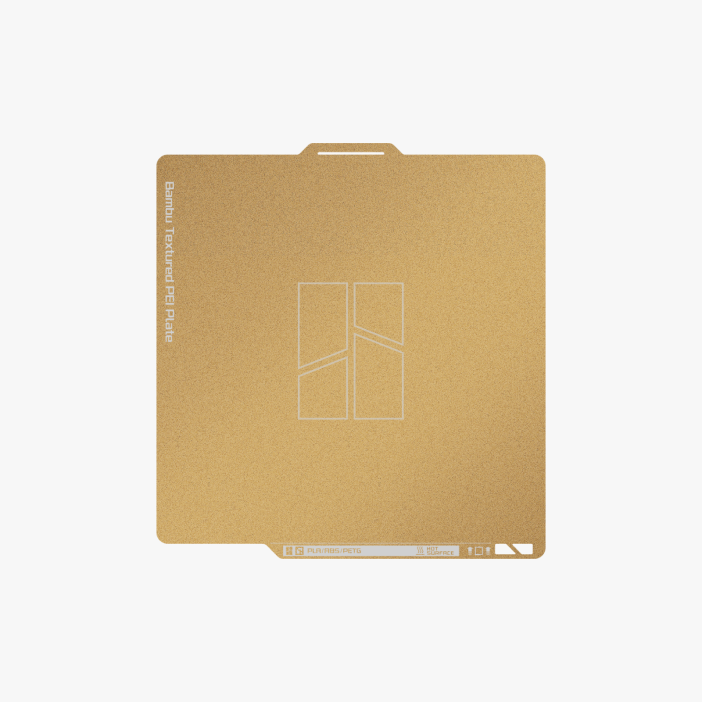
Build Plate

PTFE Tube*1

Bambu Filament Samples (Random Color)

Stainless Steel Nozzle(pre-installed)

Accessory Box
A1 Combo Add-ons

Stand

AMS lite Body

Lite Rotary Spool Holder (x4)
https://youtube.com/shorts/dY7WAxijgoA?si=zAJhBXdW5D67YIRS

PTFE Tube
FAQS
1. Do you have an official unboxing guide?
A: Yes, please refer to this wiki link for the unboxing video guide.
2. What is the maximum print size of the A1?
A: 256 * 256 *256 mm³.
3. What Filaments can A1 Print?The printing results may vary depending on the filaments’ dry and wet state, the characteristics of the model itself, printing parameters, and the ambient temperature.
4. Is it OK to enclose the A1?
A: We don’t recommend enclosing the A1.
5. Can you use multiple AMS lite units with the A1 for up to 16 color prints?
A: The A1 can only support one AMS lite, which means it can print with a maximum of 4 colors.
6. Can I use the AMS on the A1?
A: No, AMS is incompatible with the A1. You must use the AMS lite if you want a multi-color print using A1.
7. Can AMS lite be mounted on the beam of the A1 to reduce space occupation? If so,how should I proceed with the operation?
A: Please visit our MakerWorld model website, where you will be able to find the model supports, installation tutorial, and purchase links for accessory screws.
| size | A1 Combo, A1 |
|---|
Related products


3D Printers


